Practical wellbeing
A kinder desk day: making room for movement and screen breaks
Practical ways to change activity during screen work, grounded in HSE guidance — without turning movement into another task to get right.
By Jambu3 min read
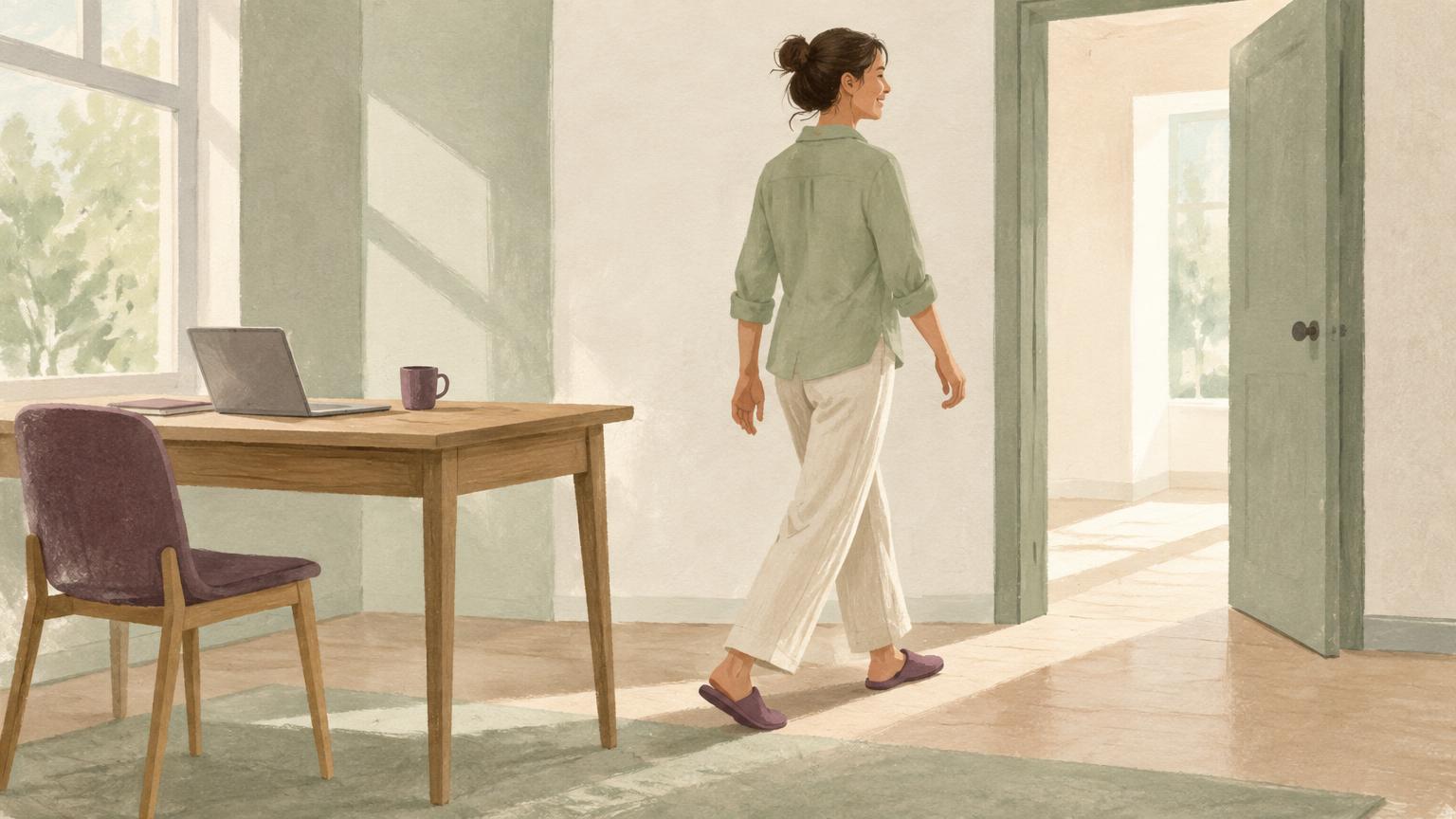
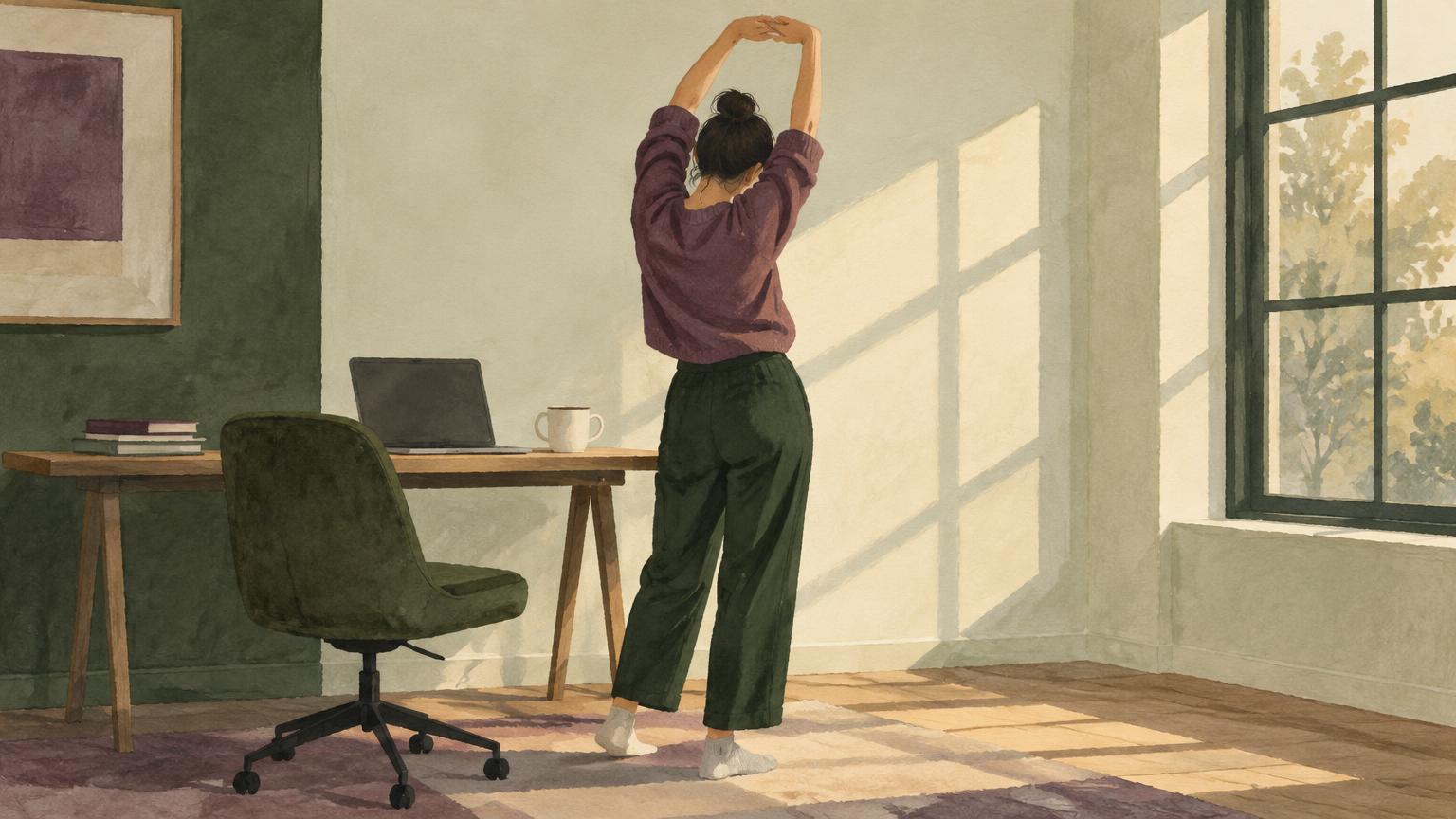
A screen-heavy day doesn't have to be a perfectly still day. Often the easiest change is not a new exercise routine but a little space between tasks: looking away, changing posture, or doing something that doesn't involve the screen. Start with what is comfortable and possible for you.
What official guidance says
The UK's Health and Safety Executive recommends short, frequent breaks from display screen work rather than longer, less frequent ones. Its guidance gives five to ten minutes each hour as an example, compared with twenty minutes every two hours. It also says there is no legal guidance specifying an exact duration or frequency: the work matters. That example is not a universal prescription. See source [1] below.
HSE says breaks or changes of activity should allow users to get up and move around, or at least stretch and change posture. It also notes that users should ideally be able to choose when to take breaks. This is UK workplace guidance; it is not a personalised assessment of your health or advice about employment law in other countries.
Build around transitions you already have
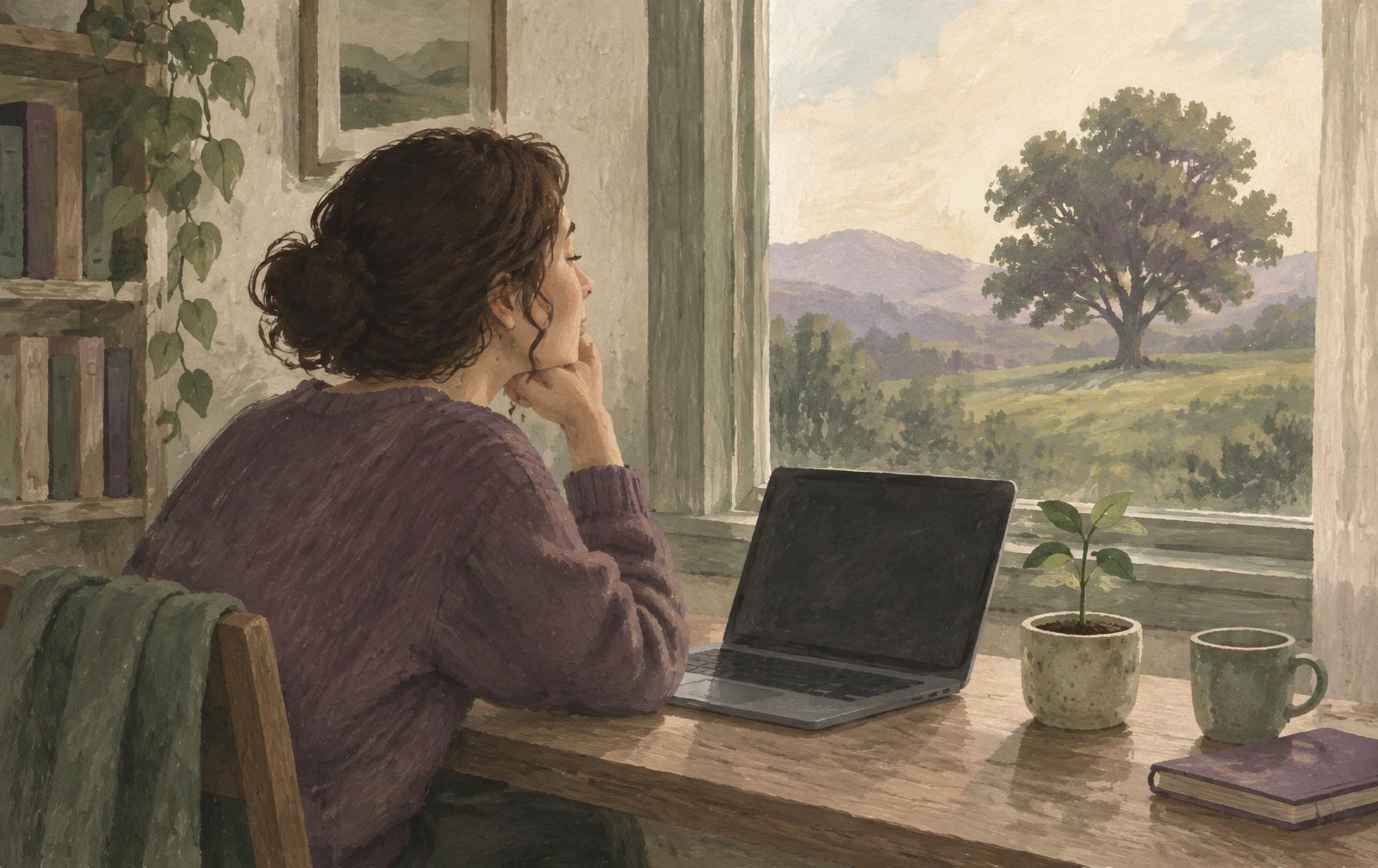
Consider an illustrative morning: you finish a call, then start another piece of screen work. That gap could become a chance to shift position, collect a drink or look across the room. Later, a task that can be done away from the monitor might provide a change of activity. None of these examples is a customer story or a claim that a particular movement will treat pain.
- After finishing a task, choose a comfortable posture change rather than immediately starting the next screen task.
- If walking is available to you, use a brief trip away from the workstation as a change of scene.
- If standing or walking isn't suitable, choose an accessible seated change or another activity recommended for your circumstances.
- Give screen-free tasks a little space in your day where your work allows it. Another browser tab is not necessarily a screen break.
What reminders can and cannot do
HSE notes that break-monitoring software can remind people to take breaks, but employers remain responsible for properly planned work and suitable breaks. A notification cannot make an unrealistic workload reasonable, provide an ergonomic assessment or create permission to pause where none exists.
Jambu's role is narrower: it learns recurring routines from the active domain, timestamps, session duration and idle state, then offers gentle Care Moments. It doesn't observe your posture, assess pain or verify that you've moved. A long session is a timing signal, not a diagnosis.
Movement is an invitation to change how the day feels, not another target to hit.
Keep it comfortable, not compulsory
If a Care Moment lands at an inconvenient time, snooze it or pause Jambu. Essentials, Silence and quiet hours are also available. The purpose is to support a rhythm that fits you, not to enforce an hourly routine or reward a particular kind of body.
Do not push through pain to follow a generic movement suggestion. Persistent discomfort, new symptoms or uncertainty about safe activity deserve advice from a qualified health professional. At work, raise workstation and workload concerns through the appropriate workplace process.
One small change for today
Pick a transition you already have and leave room for a comfortable change of activity. You don't have to transform your whole day to make one part of it less static.
Sources & further reading
- [1] HSE — Work routine and breaks
Official UK guidance on display screen work, break patterns, changes of activity and the limits of break-monitoring software. Consulted 15 November 2026.
- Jambu Privacy Policy
Primary source for the limited signals Jambu uses and the controls available to you.
Curious about the details? Read how Jambu works or our privacy policy.